




Create Gloomy Text Effect by Utilising the Amazing Cloud Filter in Photoshop

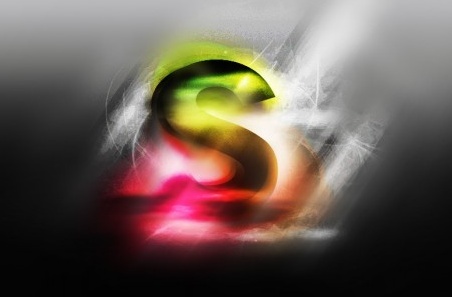
The purpose of this tutorial is to show you the use of the cloud filter to create various effect, such as light and shadow, as a result bringing more depth to your text effect.
I personally love the cloud filter and I think it’s so versatile and you can use it to generate amazing effect and spice up your design. The trick is how you apply it and what other options do you use to combine it with (such as selection tools, other filter effects, or layer blending mode).
- Source : http://www.psdvault.com
- 5609 hits
- Categories : Text Effect, Light Effect
Final Preview :
Other Tutorial by http://www.psdvault.com :

Create Awesome Grungy Style Artwork with Vexel Hair in Photoshop
Added on 2010-06-29 14:33:04

Design an Awesome Space Dancer Scene with Nebula Texture in Photoshop
Added on 2009-07-06 07:03:31

Photo Manipulation of Underworld Demon Lord in Photoshop
Added on 2015-01-09 10:50:22
1 comment on Create Gloomy Text Effect by Utilising the Amazing Cloud Filter in Photoshop
Add a comment on Create Gloomy Text Effect by Utilising the Amazing Cloud Filter in Photoshop

sundar - added December, 18th 2009
“ realy super &glorious light effect “