




Create Awesome Abstract Text Effect with Brush Dynamics and Filters in Photoshop

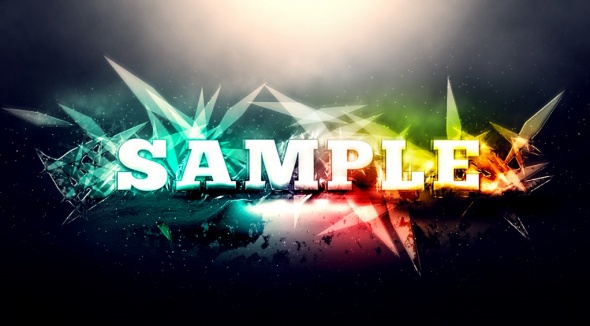
In this tutorial, I will show you the steps I took to create this really great-looking, abstract style text effect by using custom brushset (which we will be making one of our own) with dynamics, plus adding artistic effect with Photoshop filters. Have a try!
This is an intermediate level tutorial so some steps can be a bit tricky :)
- Source : http://www.psdvault.com
- 8763 hits
- Categories : Text Effect, Brushes & Patterns
Final Preview :
Other Tutorial by http://www.psdvault.com :

Create a Surreal Photo Manipulation by Mixing Ice and Fire Textures
Added on 2013-03-26 08:05:25

Make Perfect Selection for Human Object by Utilising Channel Mask Technique in Photoshop
Added on 2009-07-27 13:11:42

Create an Interesting Cookie Bite Text Effect in Photoshop
Added on 2012-11-02 02:17:13
Add a comment on Create Awesome Abstract Text Effect with Brush Dynamics and Filters in Photoshop
