




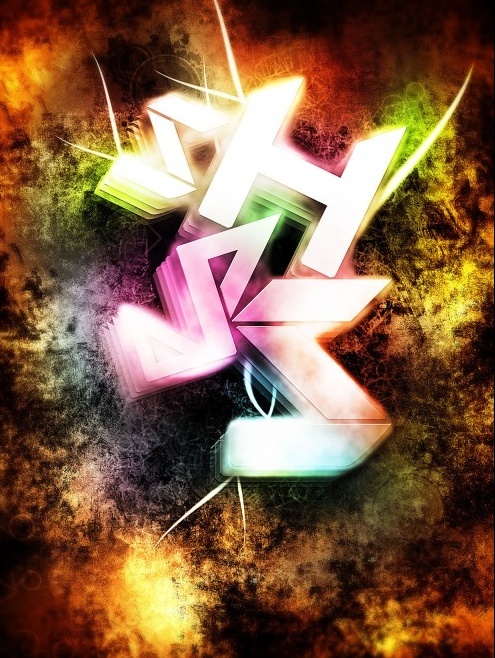
Design an Awesome Geometric Shaped Typography with Grungy Background in Photoshop
Added on September 28th 2009
, Tagged :

In this tutorial, I will show the processes involved in designing and creating this really cool, Geometric Shaped Typography with Grungy Background in Photoshop. This is a simple tutorial yet the effect looks awesome, have a try!
Along the way, I will also give you some tricks that you can use for creating awesome lighting and smoky effect to spice up your design.
The techniques involved in creating this typo include layer blending, filter effects, image adjustments and custom brushsets. Hope you enjoy it!
- Source : http://www.psdvault.com
- 4206 hits
- Categories : Text Effect, Wallpaper
Final Preview :
Other Tutorial by http://www.psdvault.com :

Create Gloomy Text Effect by Utilising the Amazing Cloud Filter in Photoshop
Added on 2009-12-15 06:49:43

Create Abstract Text Effect with Metal Scraps in Photoshop
Added on 2014-04-14 10:50:59

Design an Elegant Abstract Site Header Image in Photoshop
Added on 2009-03-09 04:10:49
1 comment on Design an Awesome Geometric Shaped Typography with Grungy Background in Photoshop
Add a comment on Design an Awesome Geometric Shaped Typography with Grungy Background in Photoshop

Level Measurement - added May, 23rd 2010
“ This is nice info. “